
No products in the cart.
- This topic has 0 replies, 1 voice, and was last updated 1 month, 2 weeks ago by .
Viewing 1 post (of 1 total)
Viewing 1 post (of 1 total)
Home › Forums › General › How to Use This Forum › How to add images and tables to your post
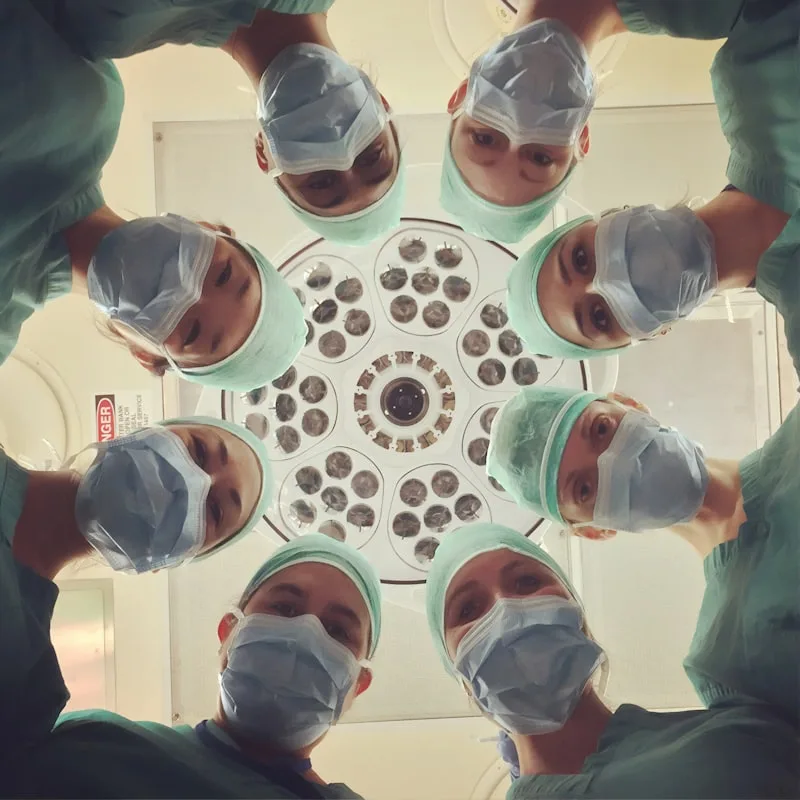
Make your posts clear and engaging with media. 🖼️ Here is how to add images and tables.
| Feature | How |
|---|---|
| Add images 🖼️ | Upload from your device |
| Insert tables 📊 | Use the editor toolbar |
| Add lists 📝 | Bullets organize ideas |
| Format text ✒️ | Bold, italic, headings |
What would you like to illustrate? 🎨
Share your experience, ask a question or join the conversation in the comments below. Our team reads every message.
Comparta su experiencia, haga una pregunta o únase a la conversación en los comentarios. Nuestro equipo lee cada mensaje.
Teilen Sie Ihre Erfahrung, stellen Sie eine Frage oder beteiligen Sie sich in den Kommentaren. Unser Team liest jede Nachricht.
Partagez votre expérience, posez une question ou rejoignez la conversation dans les commentaires. Notre équipe lit chaque message.
Partilhe a sua experiência, faça uma pergunta ou participe na conversa nos comentários. A nossa equipa lê todas as mensagens.
Deel uw ervaring, stel een vraag of doe mee in de reacties. Ons team leest elk bericht.
Podziel się swoim doświadczeniem, zadaj pytanie lub dołącz do rozmowy w komentarzach. Nasz zespół czyta każdą wiadomość.
Поделитесь опытом, задайте вопрос или присоединитесь к обсуждению в комментариях. Наша команда читает каждое сообщение.
ご経験の共有、ご質問、またはコメントでの会話へのご参加をお願いします。私たちのチームはすべてのメッセージを確認しています。
댓글에서 경험을 공유하거나 질문하거나 대화에 참여해 주세요. 저희 팀은 모든 메시지를 읽습니다.
แบ่งปันประสบการณ์ ตั้งคำถาม หรือร่วมสนทนาในช่องความคิดเห็น ทีมงานของเราอ่านทุกข้อความ
שתפו את החוויה שלכם, שאלו שאלה או הצטרפו לשיחה בתגובות. הצוות שלנו קורא כל הודעה.
Chia sẻ trải nghiệm của bạn, đặt câu hỏi hoặc tham gia cuộc trò chuyện ở phần bình luận. Đội ngũ của chúng tôi đọc mọi tin nhắn.
Bagikan pengalaman Anda, ajukan pertanyaan atau ikuti percakapan di kolom komentar. Tim kami membaca setiap pesan.
شارك تجربتك أو اطرح سؤالاً أو انضم إلى النقاش في التعليقات أدناه. فريقنا يقرأ كل رسالة.
Тәжірибеңізбен бөлісіңіз, сұрақ қойыңыз немесе түсініктемелерде әңгімеге қосылыңыз. Біздің команда әр хабарламаны оқиды.
请在下方评论区分享您的经历、提出问题或参与讨论。我们的团队会阅读每一条留言。